I'd like to know about...
I'd like to know about...
ChangeMeter readings
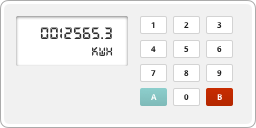
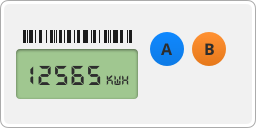
It looks like you have a Landis and Gyr (L&G) smart meter. Follow these steps to read the two rates on your electricity meter:
Rate 1
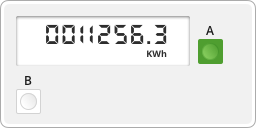
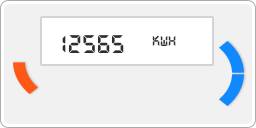
Your Rate 1 meter reading is on the front screen, so there's no need to press any buttons. This screen will say 'R1' or '01 Act Imp'.
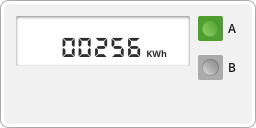
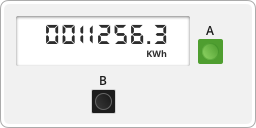
Just write down the numbers you see in front of the ‘KWh’ – this is your rate 1 reading.
Rate 2
Need to read your smart gas meter too? Find out how to read your gas smart meter
Back to all in
Meters and meter readings
Our Customer Service team is available Monday to Thursday, 9am–5pm, and Friday, 9am–4pm. Outside these hours, our IVR self-serve options and emergency support team are here to help if you've lost supply due to a meter fault. Calls to UK-wide numbers are included in any inclusive call plan you may have. If you don't have an inclusive call plan, calls are charged at a national rate. If you're unsure, please check with your service provider.