The problem is... Smart meter stopped sending readings My meter is damaged My smart meter doesn't have an in-home display – how can I get one? My new smart meter isn't working yet Faulty or damaged in-home display (smart) The problem is... Change Faulty or damaged in-home display (smart)
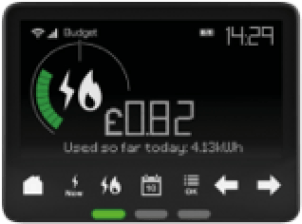
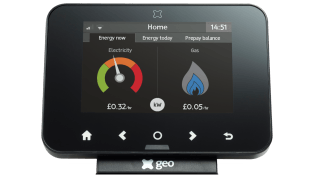
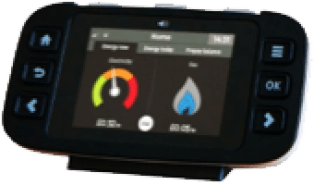
Select your in-home display Many issues can be fixed by resetting your in-home displayYou won't lose any data by doing the reset, but it can take up to 24 hours for the information about your past energy use to come backHow to reset your display – when it has a power button:Hold down the power button at the back of the display until it switches off completelyWait for one minuteTurn your display back on; it will try to reconnect to your smart meter(s)How to reset your display – when it doesn't have a power button:Unplug your display, and remove the batteries (if possible)Wait for one minutePut the batteries back in and plug your display back in; it should automatically reconnect to your smart meter(s) Chameleon 3 Geo Trio Other e.g. Accessible Geo Trio